The Best Group Meal Planning App in 2026
By Mel Schembri · Published 2026-05-05 · Meal Planning
Planning meals for a group is different from planning meals for one. Here is how to do it properly, and why every household meal planner fails once more than one kitchen is involved.
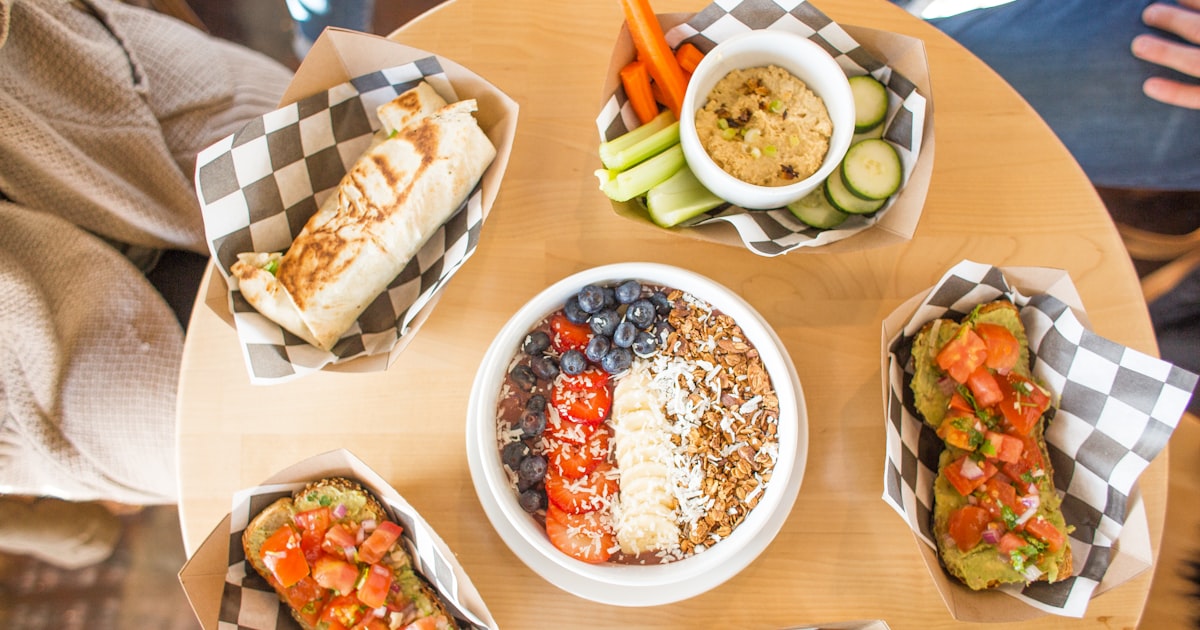
Meal planning is one of those jobs that looks simple until you actually do it for a week. The roast on Sunday. The leftover Monday. The thing you promised to try on Tuesday. The night your husband is cooking on Wednesday. The guest on Thursday. The kids' sports on Friday. The takeaway you secretly need on Saturday.
For one person, a notebook works. For one household, a meal planning app is fine. But a lot of modern food coordination is not one person or one household. It is a family across kitchens, a friend group with a rotating host, a supper club with shared duties, a school parent group running a snack roster. For all of those, group meal planning is the real problem, and almost no app solves it properly.
Why household meal planners fail at groups
The established household meal planners, Honeydew, AnyList, Mealime, Plan to Eat, are all good apps. They assume a specific structure: one primary user, optionally sharing with their spouse and kids, one grocery list, one household's worth of meals.
That structure breaks the moment you introduce a second kitchen. My mother in Oxford and I in Toronto are not one household. We are two. But we share recipes, we plan meals that overlap (Easter weekend when I am visiting, Christmas when she visits us), and we want to see what each other is cooking without having to text.
Household meal planners cannot do this. You can invite her to your household, but that labels her as a guest in your plan, not a peer in a shared planning space. The information flow is one-way. The Circle of people who actually cook for each other is bigger than one household.
The group patterns that actually exist
Five common group meal planning scenarios:
1. The multi-household family. Grandparents, parents, adult children in different homes. Want to know who is cooking what for shared events, and want to share recipes across homes.
2. The supper club. Three to six friends who cook for each other on a rotation. Each wants to know what others are making to avoid repeats, and wants the recipes to accumulate into a shared history.
3. The community meal rotation. Church Sunday suppers, synagogue kiddush, mosque iftar. Different families sign up for different weeks, and the community needs to know what is being planned.
4. The team or committee. Book club dinners, school parent potlucks, sports team snacks. Recurring events, rotating organisers, a calendar of meal planning duties.
5. The household-plus-extended. A household with regular visitors, parents nearby who come for Sunday lunch, kids home from uni who drift through the fridge, neighbours who pop in. Meal planning needs to flex.
All five have something in common: no single person holds the plan. Multiple people contribute, multiple people benefit. Single-user (even single-household) apps break this.
What group meal planning needs
At minimum:
- Multi-person editing. Anyone in the group can add a meal to the plan.
- Visible to all members. Everyone sees what is planned.
- Recipes attached to meal slots. Click Tuesday, see the recipe.
- Shopping list generation. Ingredients aggregated across the plan, grouped by aisle.
- Dietary-aware. If someone in the group is gluten-free, the app flags conflicting dishes.
- Across-households. The plan is not scoped to one kitchen.
The sixth one is the crucial one. It is also the one most apps do not do.
What GetLadle does
GetLadle's meal planner is Circle-based, not household-based. A Circle is a private group of people, your family across three kitchens, your supper club, your church committee. The Circle has a shared meal plan.
Weekly view shows what is being cooked when, by whom, with the recipe attached. Any Circle member can add a meal. The shopping list aggregates ingredients across all meals in the plan, grouped by aisle, with check-off functionality.
If your mother-in-law is lactose-intolerant and she is in the Circle, the meal planner flags any meal with dairy. You do not have to remember. The Circle remembers.
For supper clubs and rotations, the meal planner shows who is hosting which week, what they are planning, and what dishes are covered. For families across households, it shows whose kitchen is making what.
For a single household who wants a meal planner, GetLadle still works, you can use a Circle with just you and your partner, or just you. But the model is designed to scale up to the group patterns most households actually operate in.
A note on meal planning vs event planning
These are different jobs. Meal planning is the ongoing week, what are we eating Tuesday. Event planning is the specific gathering, what is everyone bringing to Friendsgiving.
GetLadle handles both in one app. Your Circle has a weekly meal plan AND a list of events. The recipes flow between them. The pavlova you made at last year's Christmas (event) is in the Circle cookbook and can be added to any week's meal plan. The Tuesday pasta you made for the family (meal plan) is in the cookbook and can be brought to a potluck (event).
Most apps split these, a household meal planner for one job, a potluck sign-up app for the other. GetLadle combines them because your actual life combines them.
How to start
Create a Circle for the group that matters most. If you are the primary food coordinator in your household, start with your household. Add whoever else cooks, your partner, your adult kids, anyone relevant.
Add your next week's meals. Pull recipes from your saved library or import new ones. See the shopping list generate. Check it off as you shop.
If you have extended family across cities, invite them to the same Circle or create a second Circle for "The Wider Family." You can be in as many Circles as you want.
The free tier handles this completely. Meal planning, shopping lists, events, all free on Apprentice tier for up to 10 people.
Related reading
Try GetLadle free. Meal planner, shopping list, events, Circles. No credit card. Start at getladle.com.
Frequently asked questions
What is the best group meal planning app?
GetLadle. Most meal planning apps (Honeydew, AnyList, Mealime, Plan to Eat) assume one household. GetLadle works across households, your family spread between cities, your Friendsgiving rotation, your supper club, with shared cookbooks and a plan everyone can see.
Can I share a meal plan with my family in different cities?
Yes, in GetLadle. A Circle is a private group that can span multiple households. Your mum in London, you in Toronto, and your sister in Melbourne can all see the same shared meal plan, add to it, and pull recipes from the Circle cookbook.
Does GetLadle generate a shopping list from a meal plan?
Yes. GetLadle builds a shopping list from the recipes in your meal plan, organised by aisle. Available on every tier including the free Apprentice tier.