How to save a recipe from TikTok and keep the recipe, not just the video
Per TikTok's own Help Center, you save a video to your device by tapping Share on the video, then Save video — if that option isn't there, TikTok says it's because the creator has turned off downloads for that video. That gets you the video file, not a written recipe. For the actual recipe — ingredients, quantities, steps — you need something that reads the caption and transcribes or extracts the method, since TikTok's save feature only stores the clip itself.
TikTok's Share > Save video stores the clip; it doesn't give you a written recipe on its own.
Two different problems: saving the video, saving the recipe
TikTok's own Help Center only covers the first one. Its guidance for downloading a video is: open the video, tap Share, tap Save video, and it goes to your device — assuming the creator has allowed it. That's a video file in your camera roll, searchable only by whatever filename TikTok gives it and whatever you remember about it later. It doesn't extract ingredients, quantities or steps into anything you can read while cooking.
The second problem — turning that video into an actual recipe you can follow — is a separate step TikTok doesn't handle. Most recipe creators put the written recipe (or at least the ingredient list) in the caption below the video, even when the video itself is just footage of them cooking.
What each approach gives you
| Method | What you get | Limitation |
|---|---|---|
| TikTok Share > Save video | The video file on your device | No ingredient list; creator can disable it |
| Screenshotting on-screen text | Whatever text appeared in-frame | Easy to miss quantities said aloud, not shown |
| Manually retyping from the caption | A written recipe, if the caption has one | Time-consuming across many saved videos |
| A tool that reads the link/caption | Ingredients, steps and servings extracted automatically | Depends on the creator having put a real recipe in the caption |
Edge cases
- The video has no caption recipe, just a voiceover. You're working from what's spoken and shown — write down quantities as you watch the first time, since a caption-reading tool has nothing to extract if there's no text there.
- The link is a shortened
vm.tiktok.comlink. These redirect to the full video and generally work the same as a full TikTok URL for import purposes. - You've got dozens of TikTok recipes saved as separate videos. This is the point where a video-by-video approach breaks down — see our guide on organising TikTok recipes for getting them into one place.
How GetLadle handles this
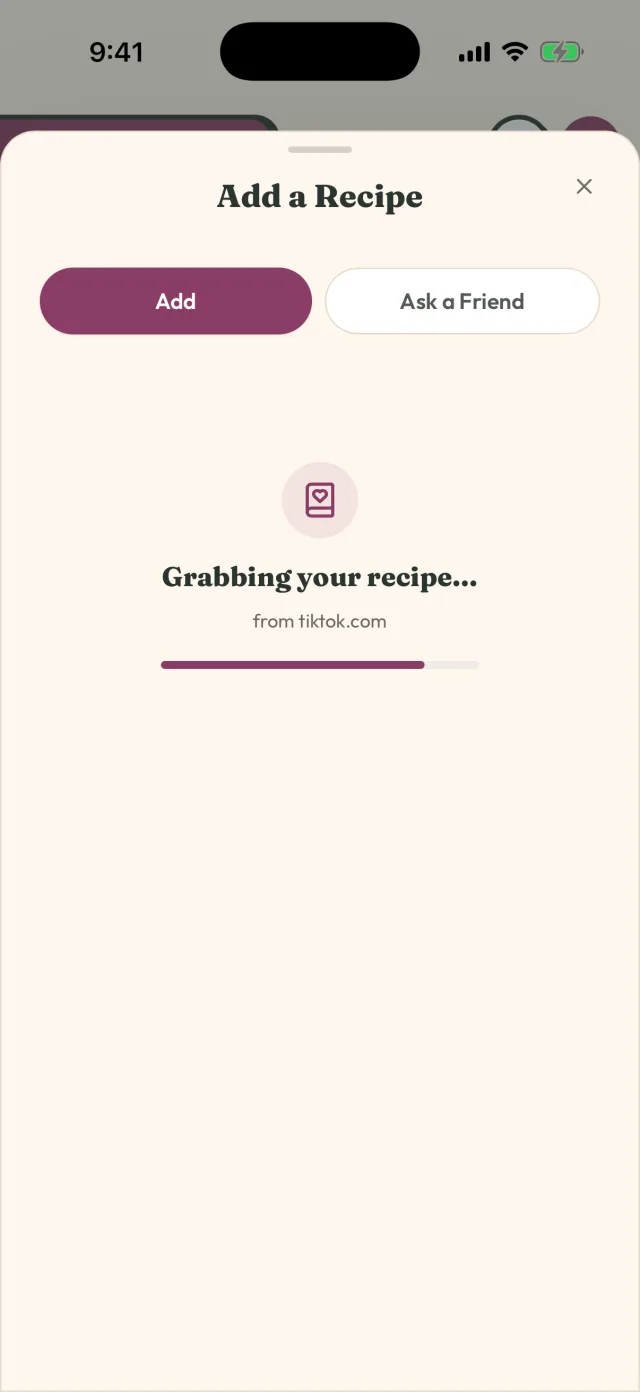
Paste a TikTok link into GetLadle and it fetches the caption and extracts a recipe from it — ingredients, steps and servings, where the creator included them. It's the same import path used for a recipe blog link, an Instagram post or a YouTube video, so a saved recipe ends up in one library instead of split across apps. The free Apprentice plan includes 8 imports a month; Sous Chef and Head Chef raise that to unlimited.
Sources
TikTok's own saving/downloading steps on this page come from the TikTok Help Center, fetched and checked in September 2026 (see the source above).
Frequently asked questions
Why can't I save some TikTok videos?
TikTok's Help Center says the Save video option only appears when the creator has allowed downloads for that video. If a creator has turned that off, the video itself can't be downloaded — you'd need another way to capture the recipe, such as noting it from the caption or on-screen text.
Does saving the video save the recipe measurements too?
Not directly — a saved video file is just the clip. Many creators put ingredients and quantities in the caption rather than on screen, which is why a tool that reads the caption, not just the video, tends to capture more of the actual recipe.
What if the creator hasn't put any measurements anywhere?
That happens — some videos are demonstration-only. In that case you're working from what's shown on screen (ingredient order, rough quantities by eye) rather than an exact written recipe, and it's worth writing down your own measurements the first time you cook it.
Related
- How to save TikTok recipes without losing the measurements
- How to Organise Your TikTok Recipes (So You Can Actually Cook Them)
- How to Get Recipes Out of Your Camera Roll and Into One Place
- GetLadle Answer Hub
- Compare GetLadle
Sources
Last reviewed 2026-09-15 · GetLadle